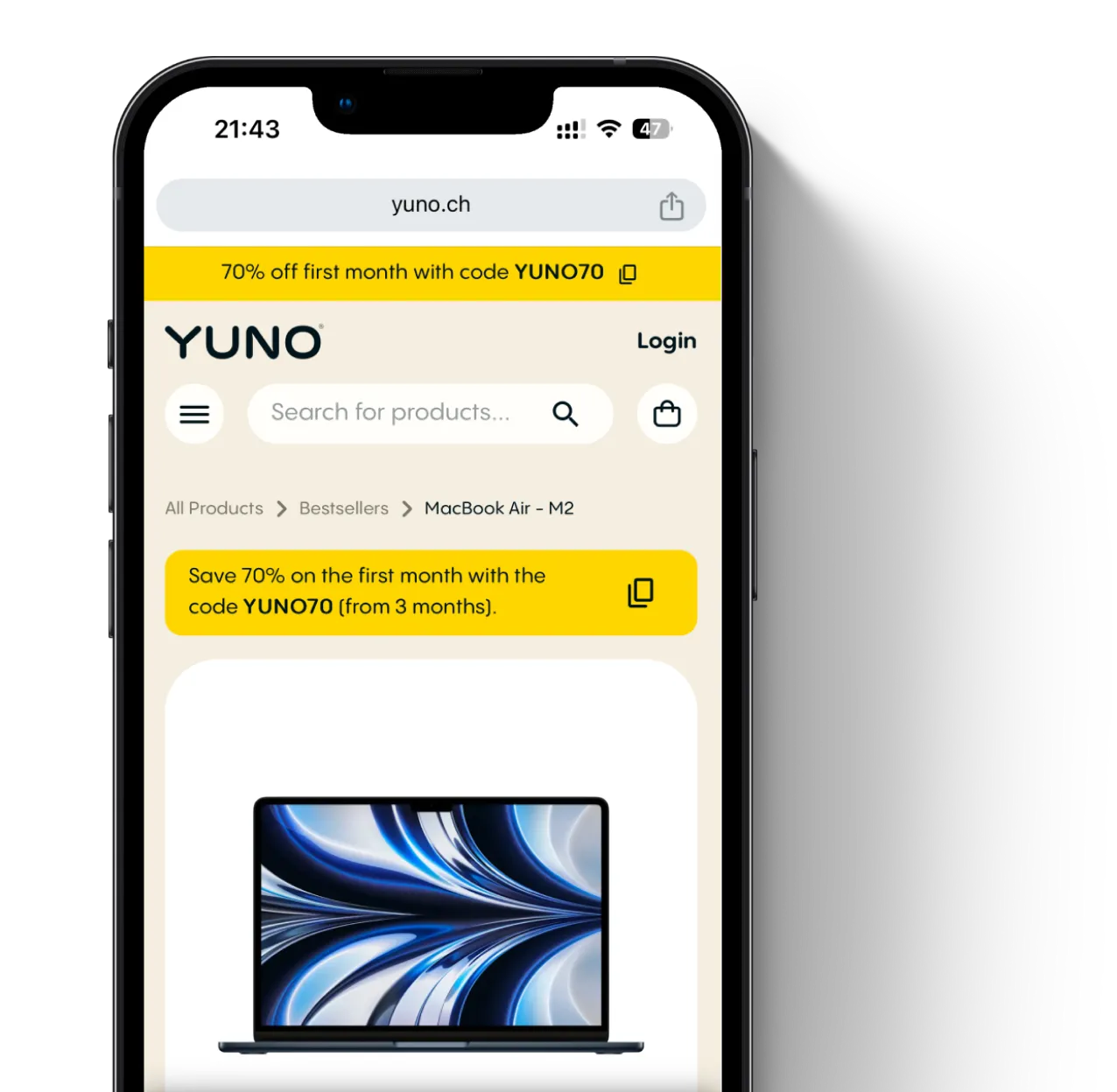
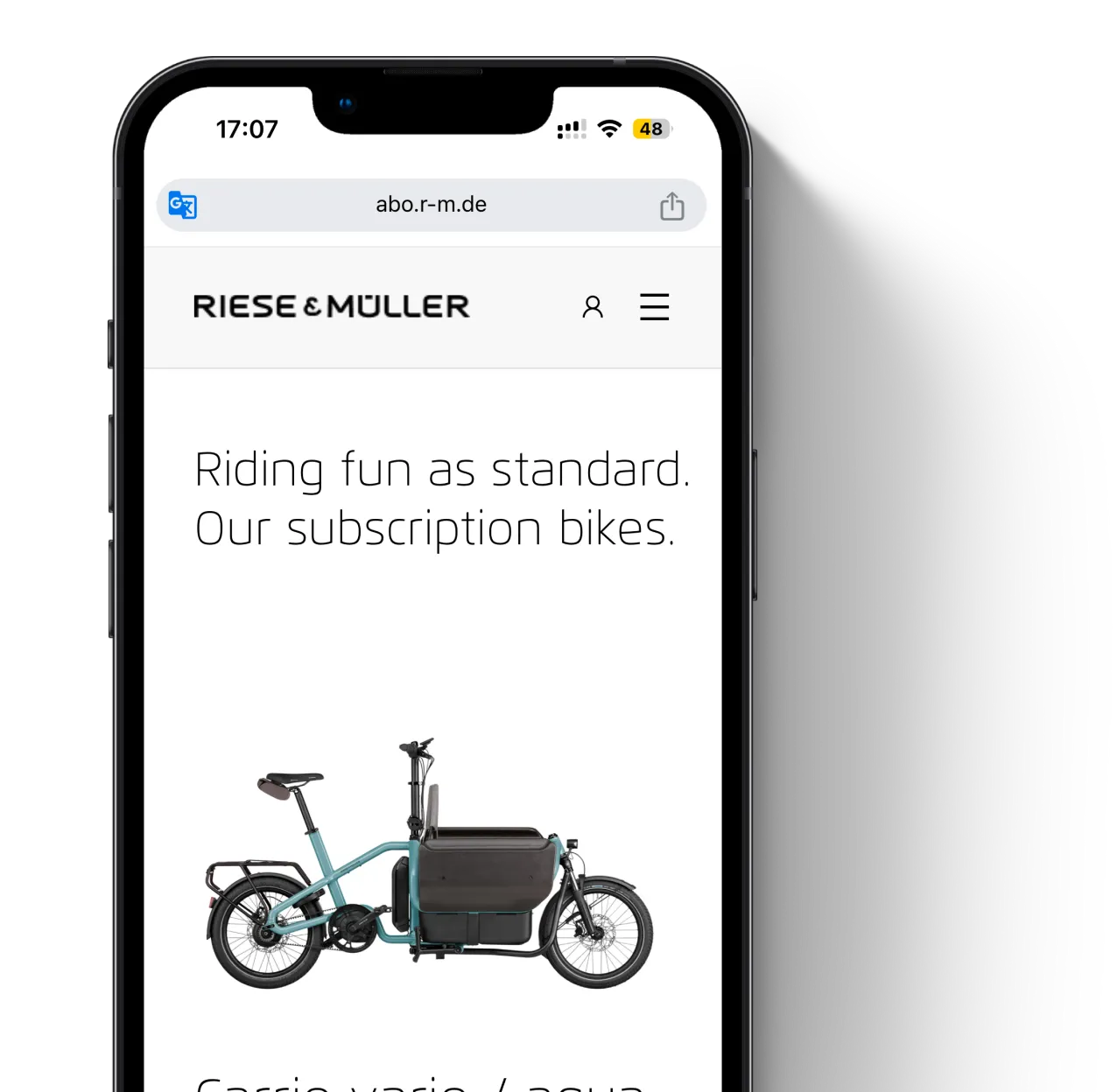
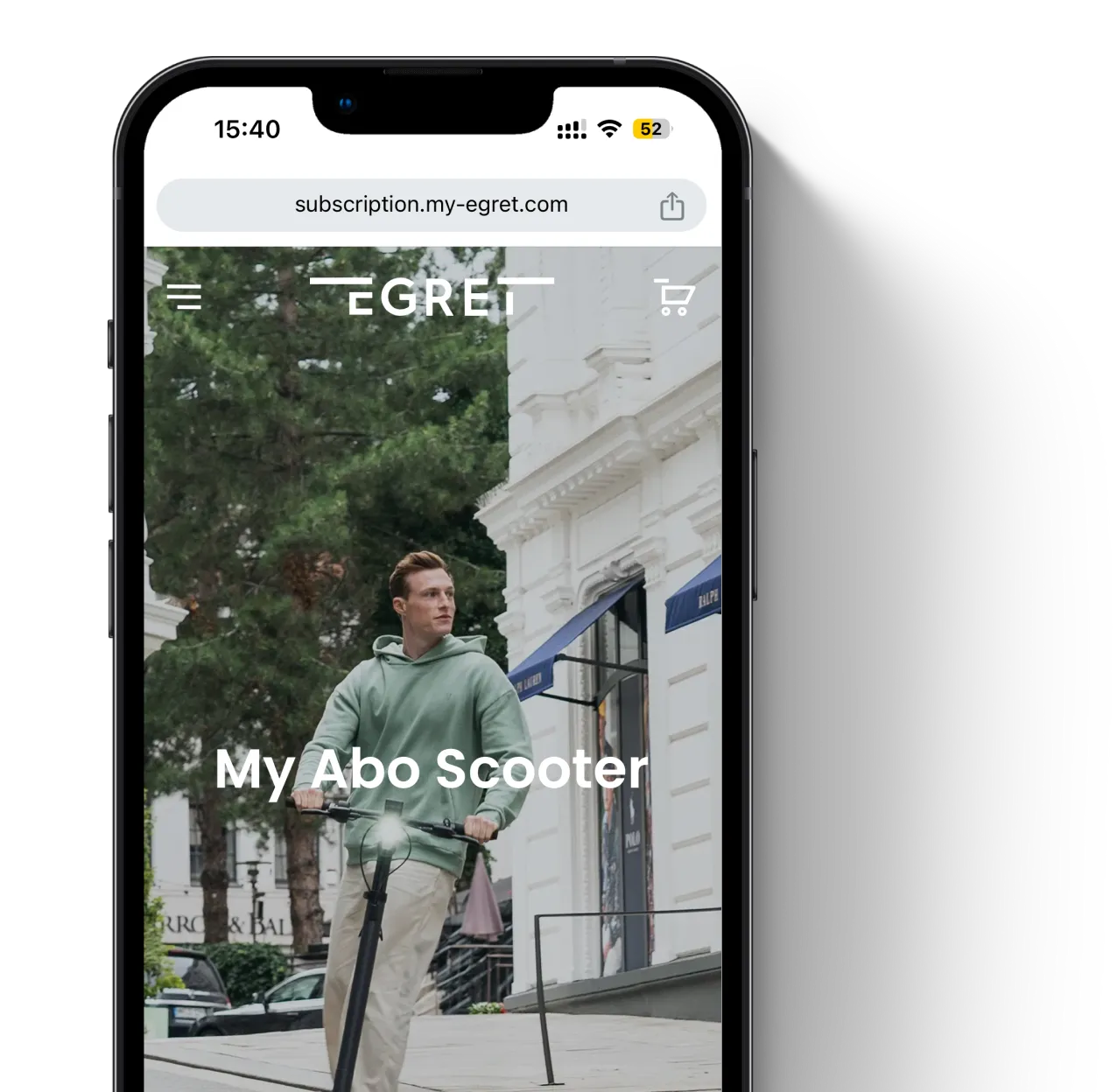
Most Shopify apps are built for digital subscription. Not for products that come back.
Product that comes back need more than just billing automation. They need:
From installation to your first payment in minutes.
Launch subscriptions for physical products inside Shopify with circuly.
We brings 6+ years of product subscription experience to Shopify.
No matter where you are in your journey.
FAQs about the circuly's Shopify app for rentals & subscriptions.
The circuly Rental & Subscription app is a Shopify app that enables Shopify merchants to offer and manage rental and subscription models for physical products like bikes, electronics, appliances, furniture, sports equipment etc.
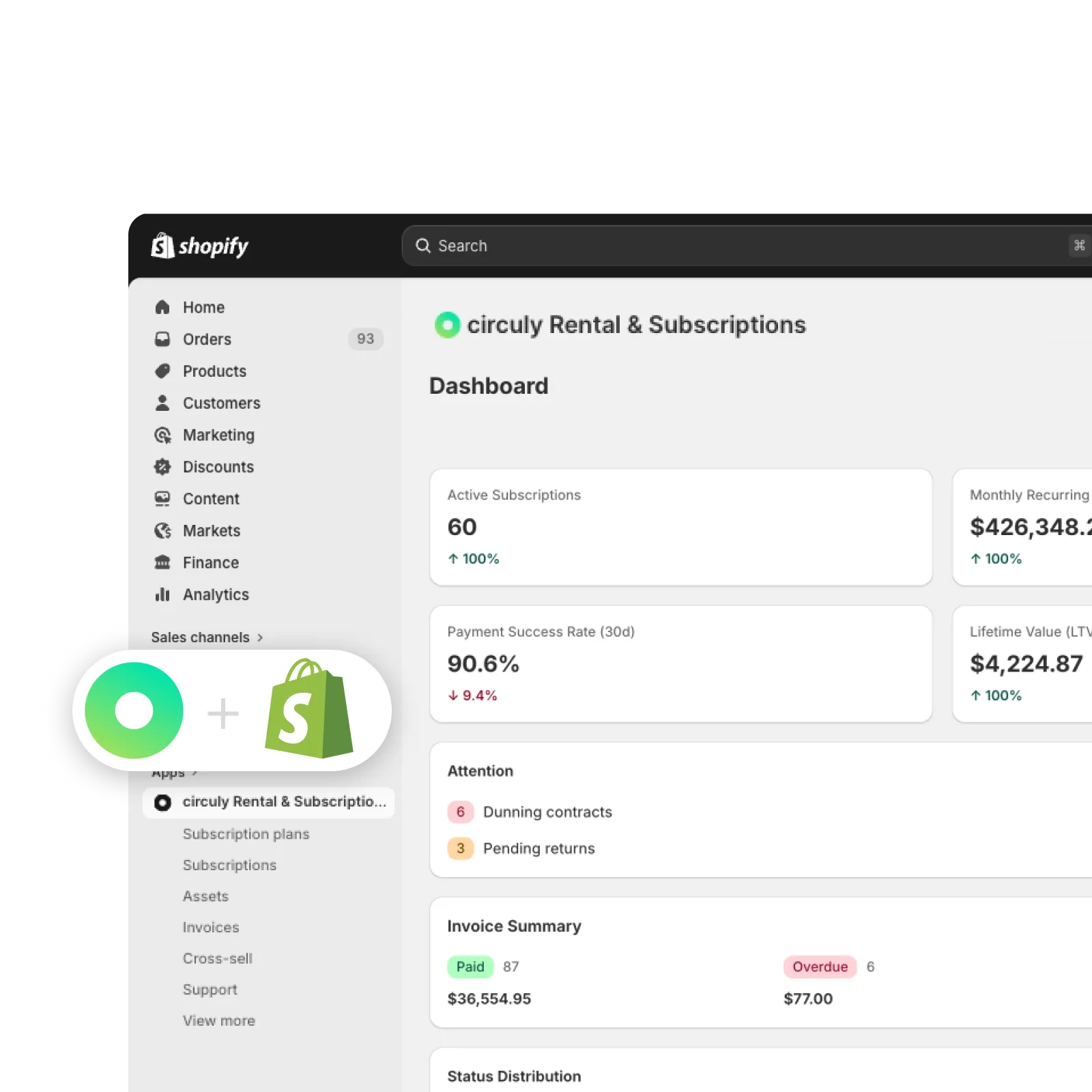
It extends Shopify’s native capabilities by adding the operational logic required for subscription businesses—especially for consumer durable products—such as billing cycles, contract management, asset tracking, and returns.
In simple terms: Shopify handles the storefront, while circuly handles everything that happens after the checkout for rental and subscription models.
The circuly Rental & Subscription app is installed directly from the Shopify App Store and works within your existing Shopify environment—no complex integration required.
Once installed, circuly operates from your Shopify admin and builds on top of your existing setup. It uses your Shopify products, customers, and orders to create a unified system for managing rental and subscription operations.
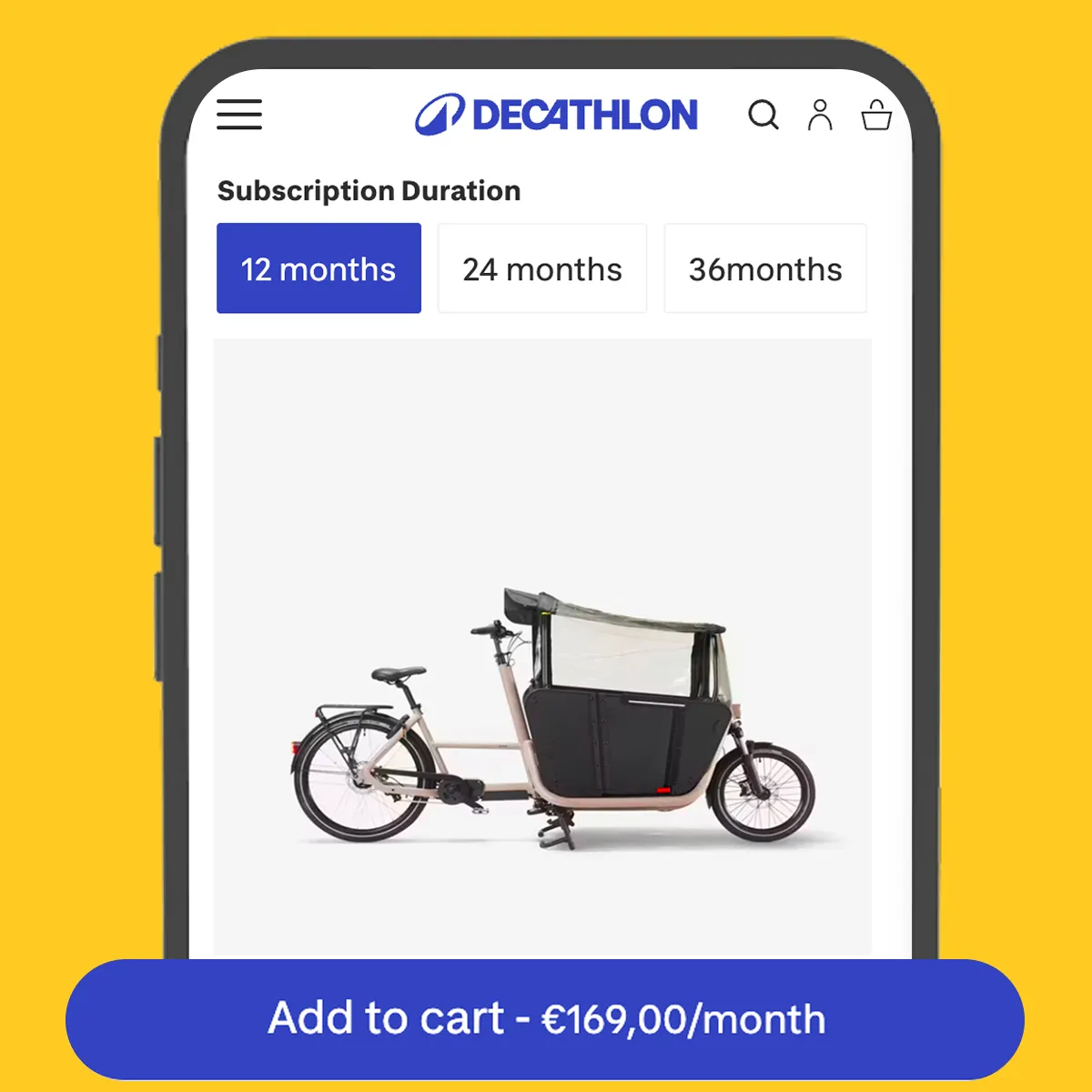
On the storefront, circuly uses native Shopify app blocks that you can easily add and customise through the Shopify theme editor—no coding needed.
This allows you to seamlessly offer:
- long-term subscriptions (e.g. bikes, electronics, furniture, or equipment on monthly or multi-month plans)
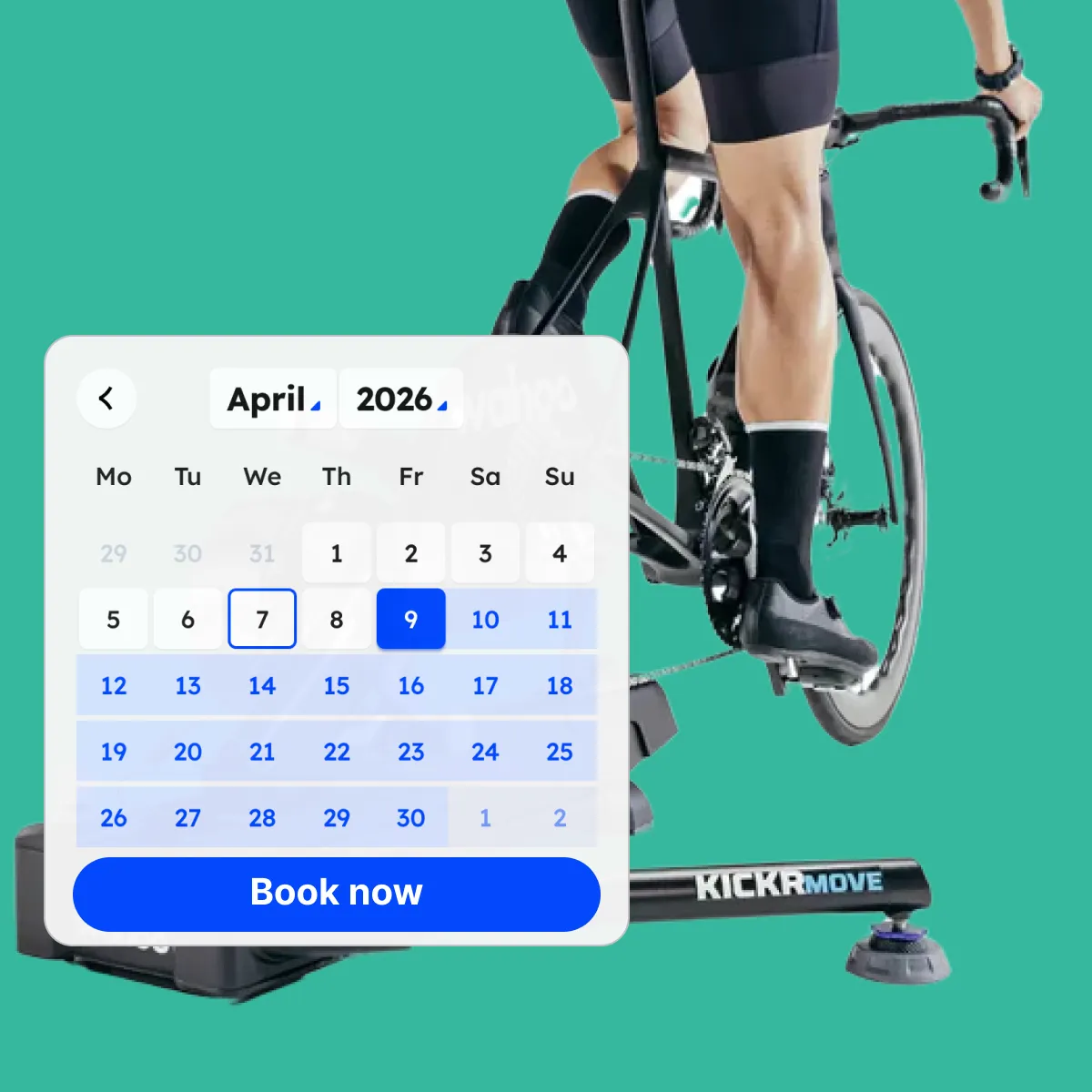
- short-term rentals (e.g. equipment or products rented for a few hours, days, or weeks)
All while keeping your Shopify store as the single source of truth for your commerce data.
In short: circuly extends your existing Shopify store with the functionality needed to run rental and subscription models—without changing how Shopify works.
To get started:
- Install the circuly Subscription & Rental app for Shopify from the Shopify App Store.
- Open it in your Shopify admin.
- Create a subscription plan by creating a payment plan.
- Assign it to a product and a product variant and define its pricing.
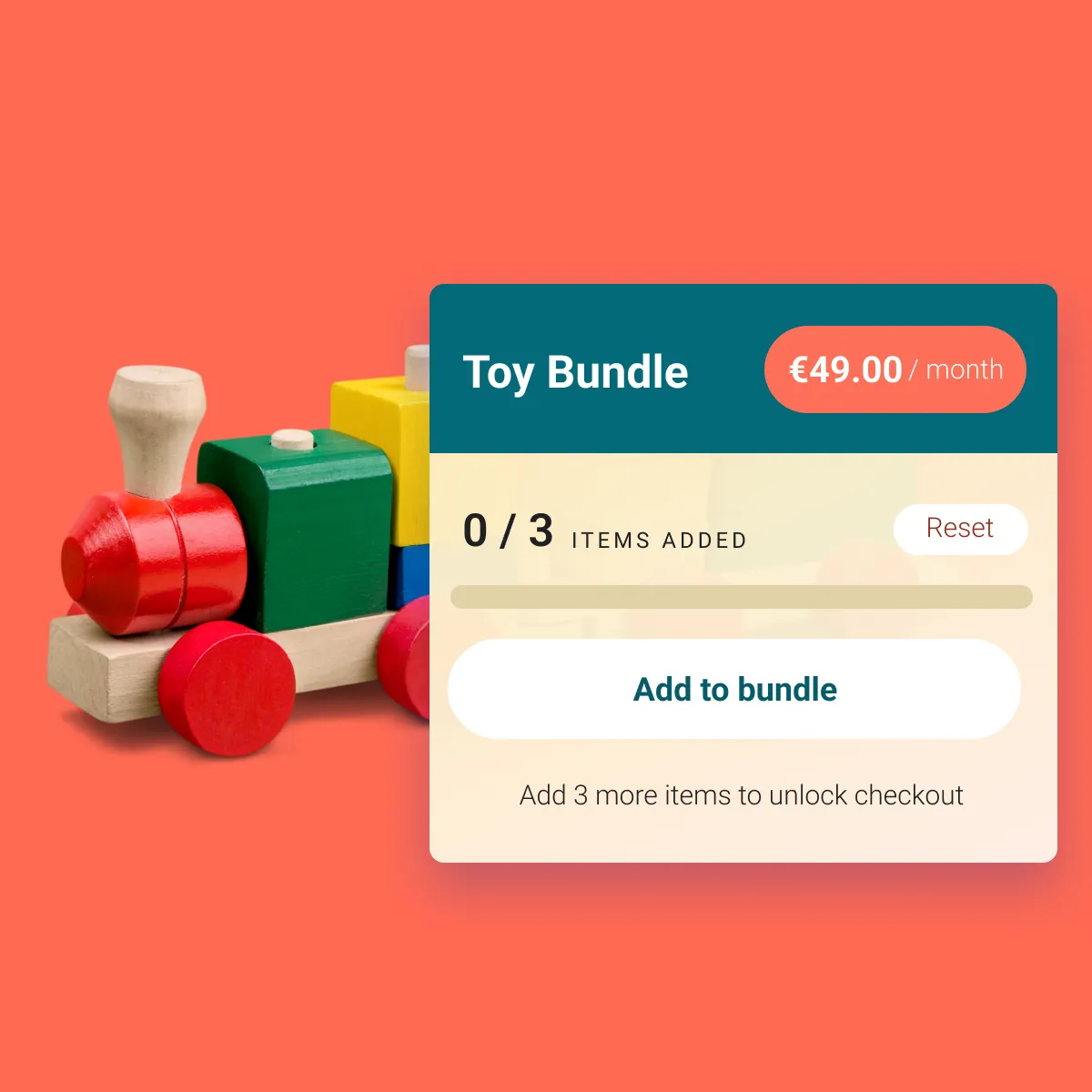
- Add the subscription widget to your product page.
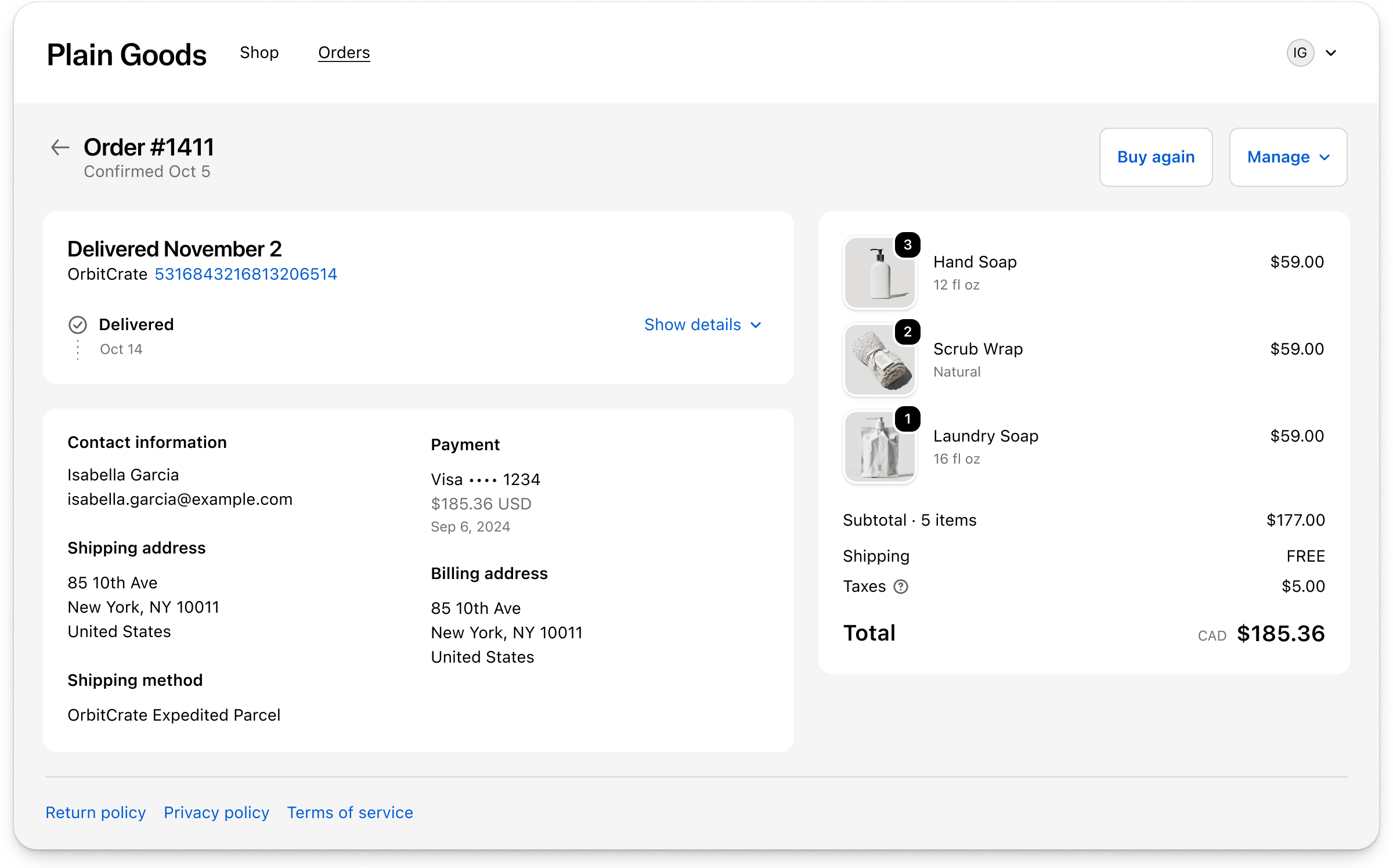
- Add the subscription option to the customer portal.
- Configure additional settings around refunds, cancellations, returns etc.
You can start offering subscriptions immediately, no onboarding required. However if you do need someone to look over your setup, the circuly team is ready to support you whenever needed.
No.
The circuly Subscription & Rental app for Shopify and circuly Hub are two different solutions designed for different use cases.
- The circuly Subscription & Rental App for Shopify is a plug-and-play solution that works directly inside Shopify. You can install it from the Shopify App Store, set up subscription plans, and start offering subscriptions within minutes without needing a separate system and especially when you want to stay within the Shopify app and payment ecosystem.
- circuly Hub, on the other hand, is a more advanced platform designed for businesses who want to launch a subscription-based business model for physical products that need to manage complex subscription operations and need advance integration capabilities with their ERP, bookkeeping, accounting & logistics systems.
👉 If you're using Shopify and want to get started quickly with subscriptions or rentals, the circuly Subscription & Rental App is the right choice.
👉 If your business requires more advanced operational logic and scaling capabilities, circuly Hub is a better fit for advance subscription management for product-as-a-service.
Yes, you can continue using circuly even if you move away from Shopify.
In addition to the circuly Rental & Subscription app for Shopify, circuly also offers the circuly Hub—a standalone solution that is independent of any shop system.
This means you have two options:
- Use Shopify as your storefront and extend it with the circuly app
- Or use circuly Hub as your core system, with or without Shopify
The circuly Hub comes with everything you need to run a rental or subscription business, including:
- its own checkout
- a customer self-service portal
- a complete subscription and rental management system
It supports both:
- long-term subscriptions (e.g. bikes, electronics, furniture, equipment)
- short-term rentals (from a few hours to several weeks)
So if you decide to move away from Shopify—or simply want more flexibility—your operations can continue seamlessly within circuly.
All payments are processed through Shopify Payments or any payment gateway that is compatible with Shopify’s selling plans.
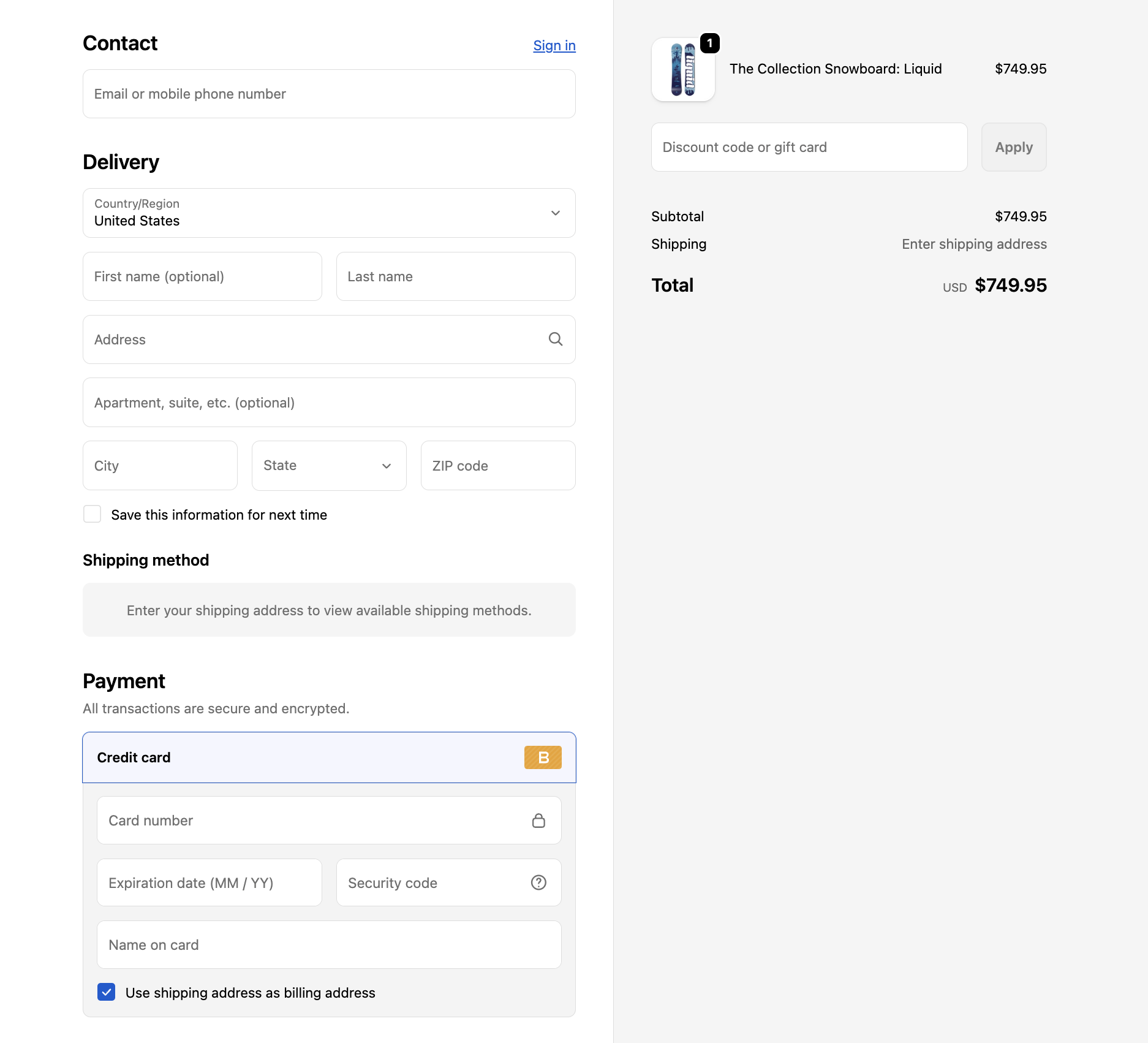
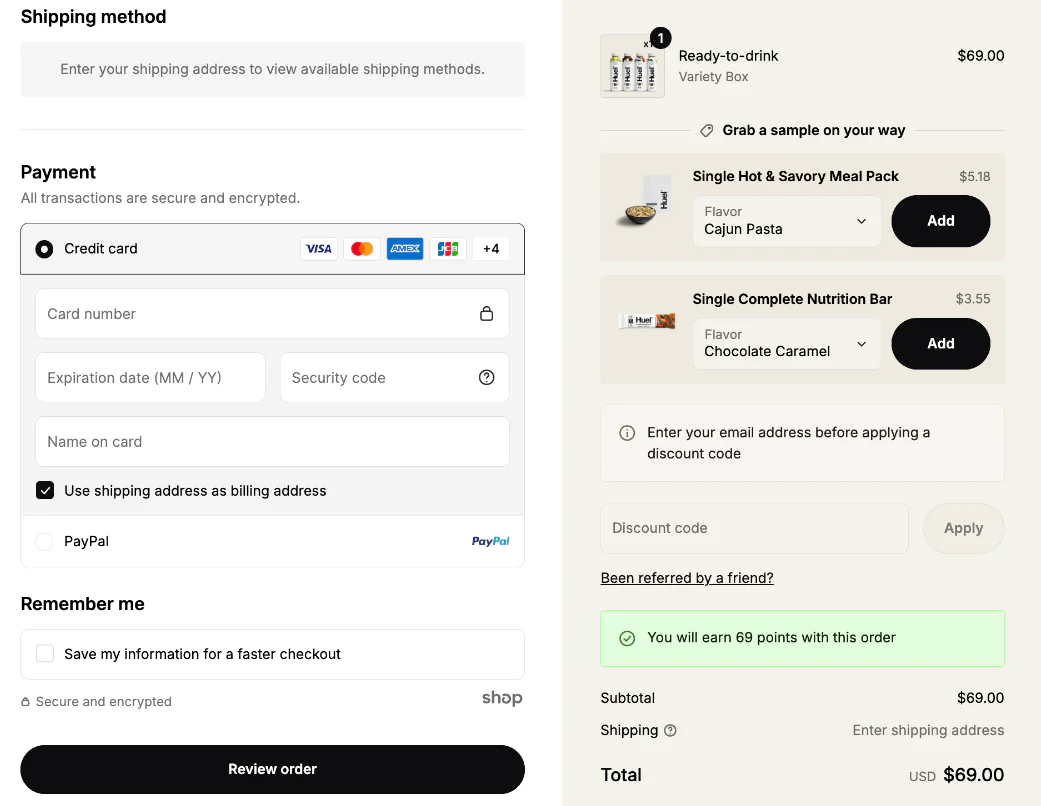
Customers complete their purchase using the standard Shopify checkout, ensuring a seamless, secure, and fully native checkout experience.
If you’re happy using the payment methods supported by Shopify (such as credit cards, Apple Pay, Google Pay, etc.), there is nothing additional you need to set up—everything works out of the box.
However, if you require a payment method that is not supported by Shopify’s subscription infrastructure, then Shopify’s native setup becomes limiting. In that case, the alternative is to use a different setup outside of Shopify subscriptions—for example via the circuly Hub or a custom integration that supports your required payment methods.
In short: As long as your preferred payment methods are supported by Shopify, payments work seamlessly. If not, you’ll need a more flexible setup outside of Shopify’s subscription system.
Setting up subscriptions or rentals with the circuly app is designed to be quick and straightforward—you can be ready in just a few minutes.
Once the app is installed, the setup typically involves three simple steps:
- Create a subscription or rental plan using circuly’s configuration options
- Assign products to that plan
- Add the subscription widget (app block) to your product page
Optionally, you can also enable subscription management in the customer portal to allow customers to manage their subscriptions (e.g. view, update, or cancel).
That’s it—no complex setup or development work required.
You use the Shopify checkout.
Customers go through the standard Shopify checkout flow — nothing changes in the checkout experience. The circuly Subscription & Rental app for Shopify simply adds subscription or rental options to your products, while Shopify handles the checkout and payment processing.
👉 There is no separate or external checkout.
Yes—if you want to offer subscriptions through Shopify, your store needs to be compatible with Shopify’s subscription infrastructure (selling plans).
Most modern Shopify stores support this by default, but it’s important to ensure that:
- your theme supports app blocks (for displaying subscription options on the product page)
- your setup allows for selling plans (Shopify’s native subscription framework)
If your store meets these requirements, you can start offering subscriptions right away with circuly.
If not, you may need to update your theme or make small adjustments to ensure compatibility. Shopify provides documentation on this, and circuly is built to work seamlessly within that framework.


.png)
%20(1).png)
.png)


.png)


.png)


.png)


.png)


.png)
.png)
.png)
.png)
.png)
.png)
.png)
.png)


.png)