#toc a { text-decoration: none !important; border: none; background: transparent; padding: 10px; display: block; line-height: 1.2; border-radius: 4px; transition: all 300ms; color: #6b7280; font-family: "Sofia Pro", sans-serif; font-weight: 400; } #toc { font-size: 16px; margin-bottom: 0; } #toc li { padding: 2px 0; } #toc ul { list-style: none; margin: 0 !important; padding: 0; } #toc a.active, #toc a:hover { background: #cffce9; } /* Optional: make active item stand out more */ #toc a.active { color: #000000; font-weight: 500; }

Feature Release: Webhooks—Seamless Data Between Connected Tools.

Got a ton of tools specific to your subscription business and want data to flow between them seamlessly with minimum manual effort? Checkout webhooks!
No items found.
No items found.
TABLE OF CONTENT

The tools required to run a business keep on increasing by the day. You have your typical ones like marketing, analytics, communication and so on and then you have some special ones specific to your business. One additional tool can mean one additional hour spent daily making it all work together. And when you want to scale your business by automating your operations, you probbaly do not need the hassle of copying data from one tool to another.

How can data flow seamlessly from one tool to another with minimum manual effort?

Data can flow seamlessly between two tools via a feature known as webhooks. Webhooks are automated messages sent from one app to another in case something happens. That something that happens is called an event.

Example: if you want to send all transactions from the circuly operations backend to your  bookkeeping system (tool) you can do that via Webhooks. You will need an additional tool like Zapier to connect the two apps and allow data to flow between the two apps automatically.  So instead of downloading all transactions as a CSV file you can simply go to Webhooks and create a Webhook.

In your circuly operations backend, you can now access Webhooks which allows you to automate the "data grabbing process" and sending it to another tool.


How Webhook works with Zapier

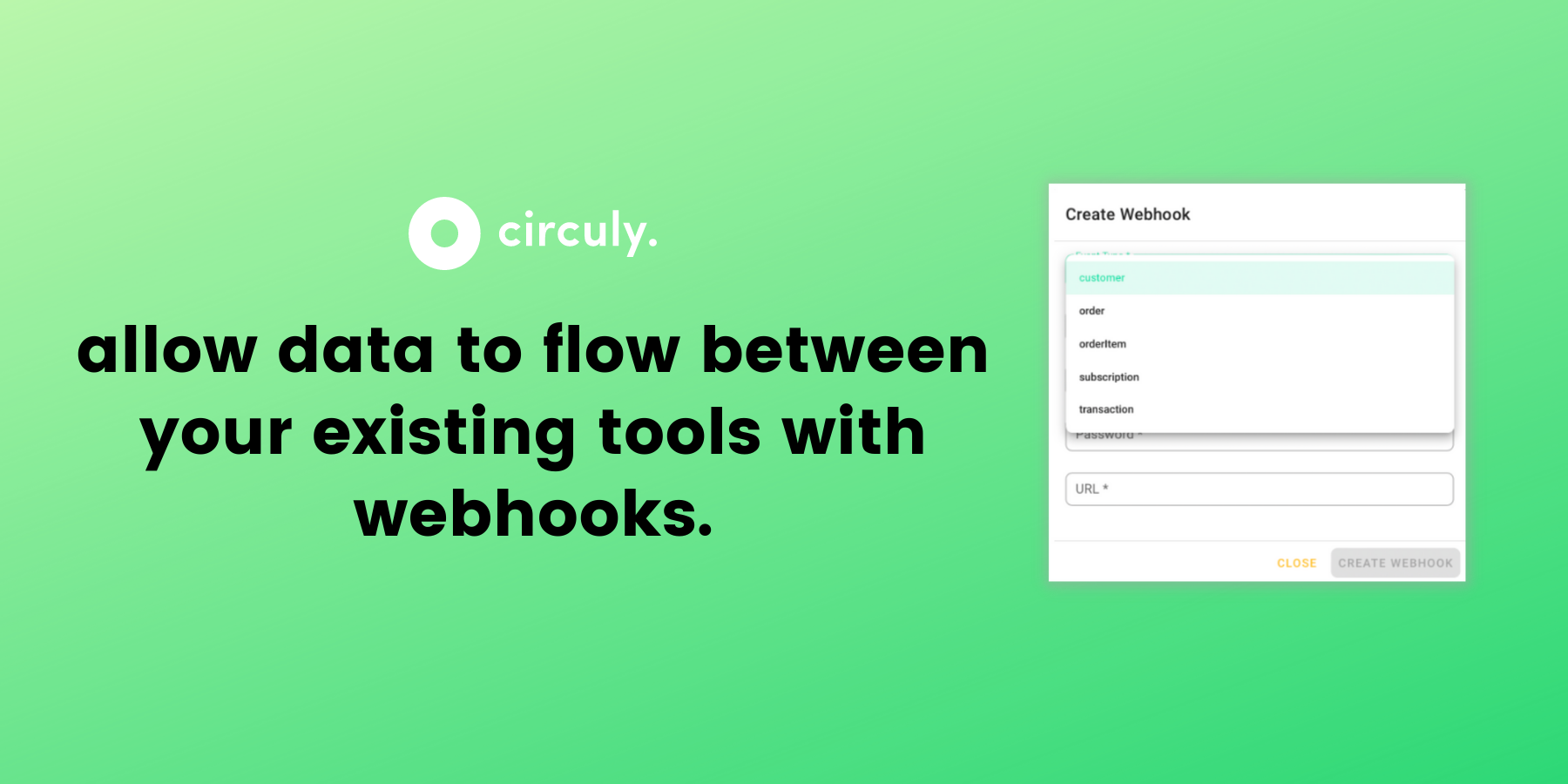
In Zapier, you can create a new Zap and say that the source is a webhook. On doing that Zapier will generate a URL that you can paste in the URL field of the Create Webhook window in your circuly operations backend.

To learn more about webhooks and other circuly features get in touch with our growth team: contact sales!

Feature Release: Webhooks—Seamless Data Between Connected Tools.

The tools required to run a business keep on increasing by the day. You have your typical ones like marketing, analytics, communication and so on and then you have some special ones specific to your business. One additional tool can mean one additional hour spent daily making it all work together. And when you want to scale your business by automating your operations, you probbaly do not need the hassle of copying data from one tool to another.

How can data flow seamlessly from one tool to another with minimum manual effort?

Data can flow seamlessly between two tools via a feature known as webhooks. Webhooks are automated messages sent from one app to another in case something happens. That something that happens is called an event.

Example: if you want to send all transactions from the circuly operations backend to your  bookkeeping system (tool) you can do that via Webhooks. You will need an additional tool like Zapier to connect the two apps and allow data to flow between the two apps automatically.  So instead of downloading all transactions as a CSV file you can simply go to Webhooks and create a Webhook.

In your circuly operations backend, you can now access Webhooks which allows you to automate the "data grabbing process" and sending it to another tool.


How Webhook works with Zapier

In Zapier, you can create a new Zap and say that the source is a webhook. On doing that Zapier will generate a URL that you can paste in the URL field of the Create Webhook window in your circuly operations backend.

To learn more about webhooks and other circuly features get in touch with our growth team: contact sales!

Continue reading.

Shopify Product as a Service eCommerce Integration: The Complete Guide to Running Subscriptions on Shopify

Shopify has plenty of subscription apps. Almost none of them were built for Product-as-a-Service. Here's why, what the gap looks like, and what you actually need to run a physical product subscription on Shopify.

How to Start a Subscription Business on Shopify: Choosing the Right App & Scaling

Every Shopify subscription model explained: what each requires, which apps support it, and where standard tools fall short. Follow the guide to learn more about operating subscriptions models on Shopify.

Let's Talk About Your Subscription Model.

Make circuly the new home for your subscriptions.